A place for every case
Organize patient records, clinical histories, and supporting documents in one workspace.

Initializing Dental Visualization...
Professional imaging, clinical review, and case management in one connected platform. Every clinical decision remains in the hands of the doctor.
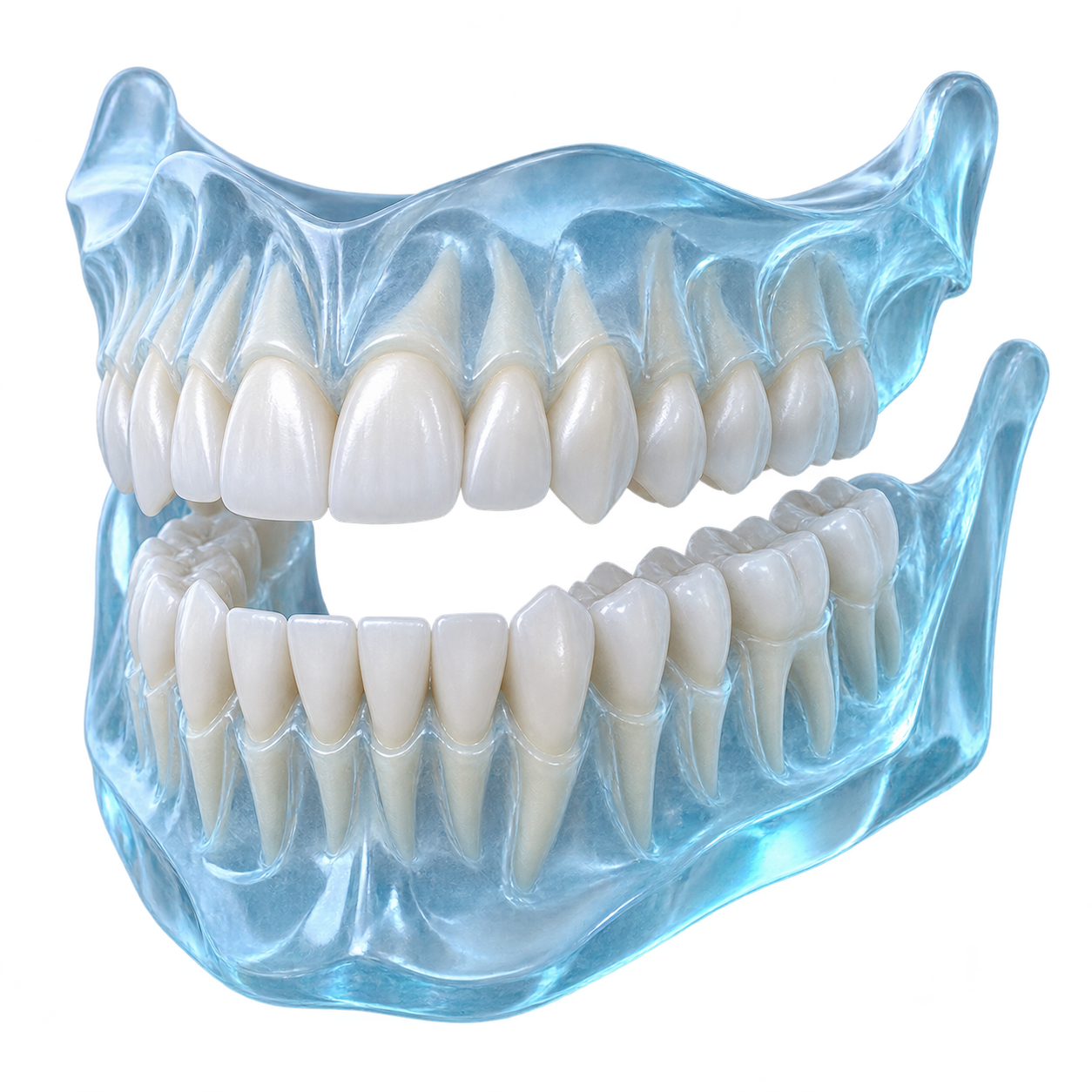
Built around clinical collaboration. Smile Cloud Dental brings patients, doctors, branches, and medical files into a shared workflow, while keeping professional judgment at its center.
Organize patient records, clinical histories, and supporting documents in one workspace.
Explore dental anatomy, place annotations, and document observations manually.
Branch Doctors prepare cases. Main Doctors review and verify the documentation.
Follow treatment progress and preserve before-and-after documentation.
From your first profile to a connected clinical practice. Explore the proposed platform onboarding journey.
Create a professional profile and add your branch information.
Presented to
Fictional participant · For participation in the digital dental
workflow and clinical collaboration program.
Proposed participation concept only. No eligibility scheme has been established. This is not an STR, specialist qualification, government credential, or dental practice license.
Explore the anatomy. Choose a plane. Move through synthetic slices. Your observations and measurements stay under your control.
Illustrative study · Sample SCD–0042
Select a sample FDI marker, enter an observation, and save a manual annotation. Nothing is interpreted automatically.
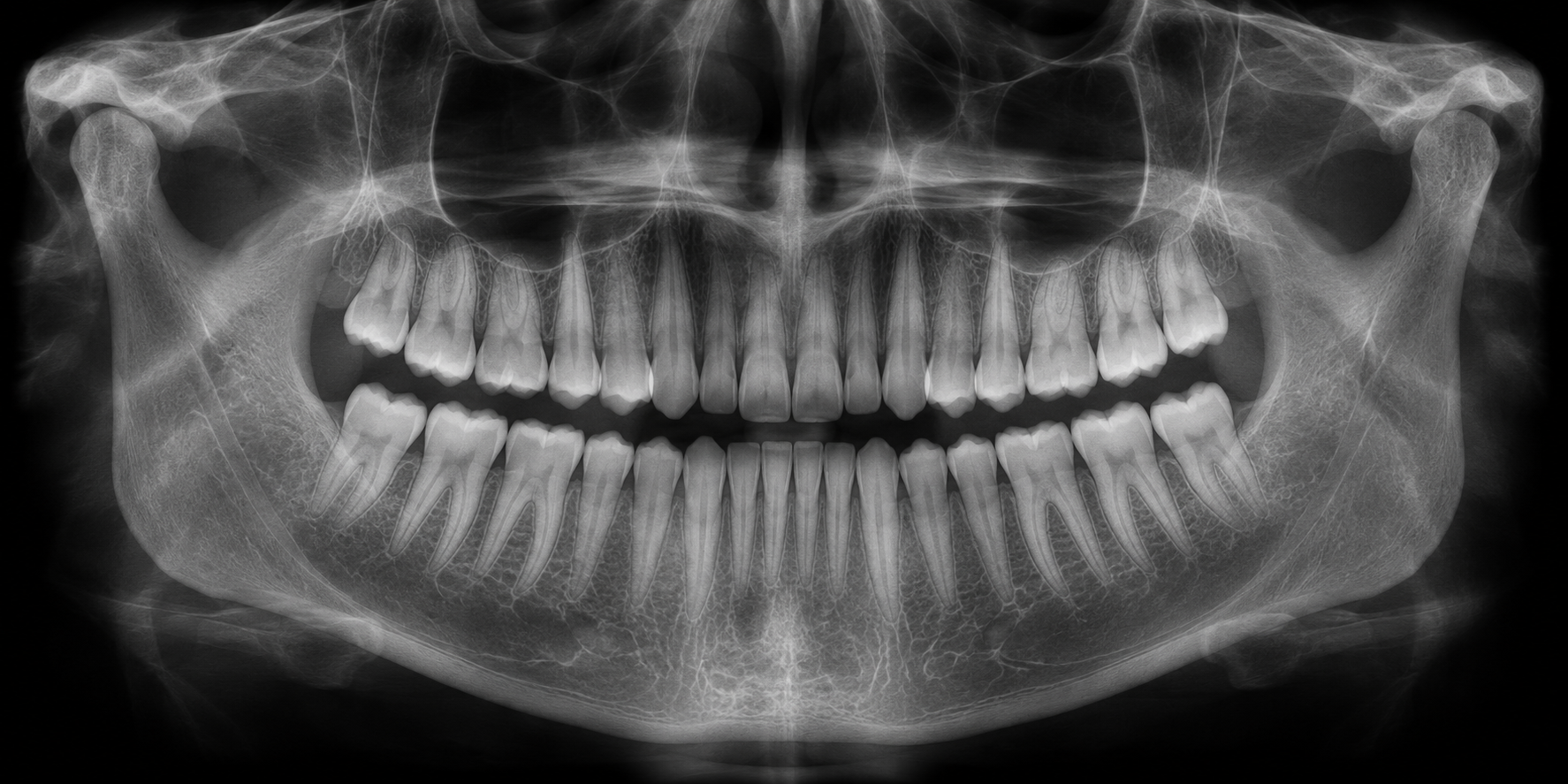
Generated illustration, not a patient scan. FDI markers are UI examples, not clinical localization. Drag the image to pan when zoomed.
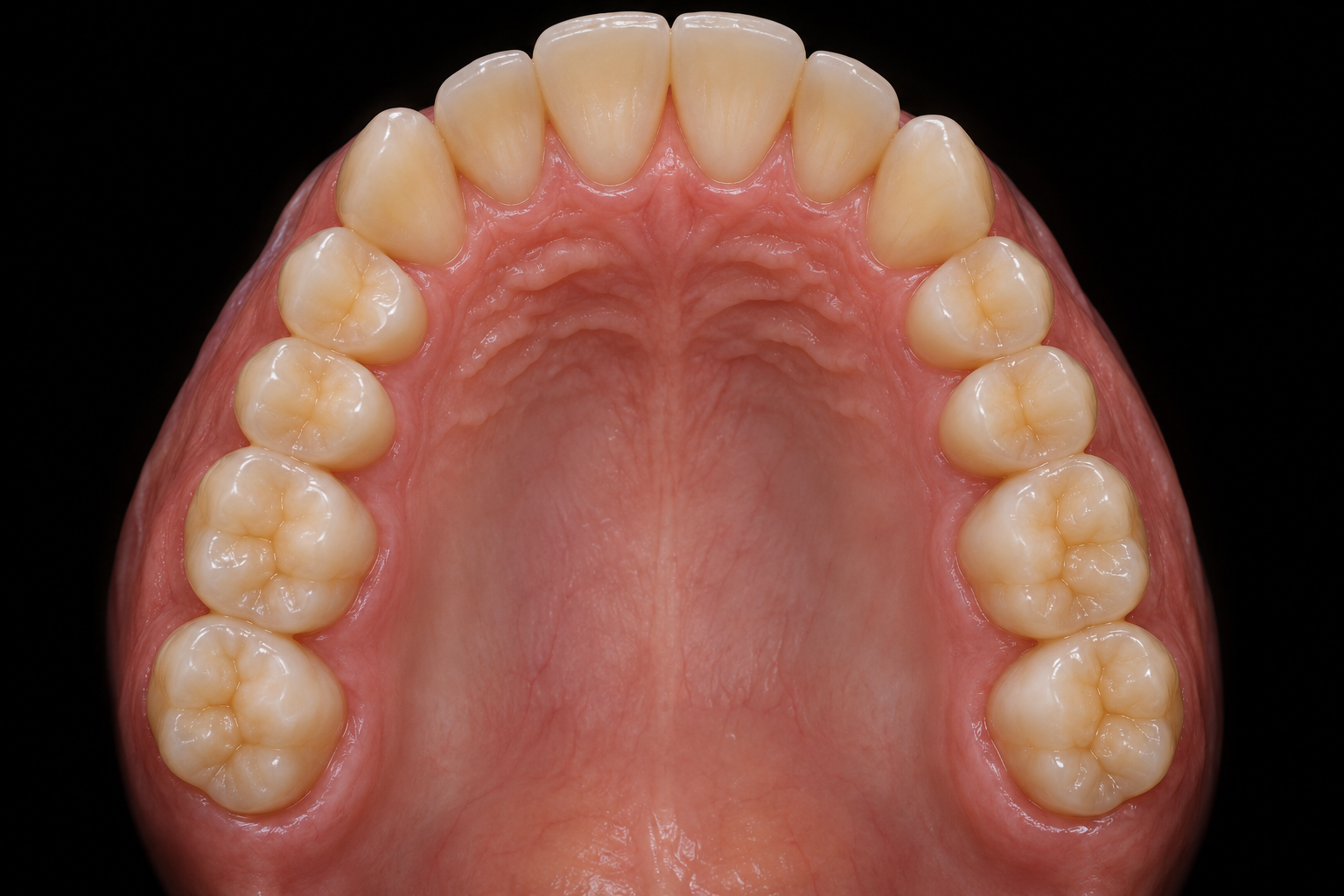
A shared visual record of the doctor’s observations. Slide between the original illustration and a manually marked area of interest.
This demo shows an occlusal illustration. The outlined region is an example annotation, not a finding or treatment outcome.
Connect the starting point, treatment milestones, and final records. Compare a fictional baseline photograph with an illustrative follow-up.
Both photographs are generated illustrations of a fictional person. The change is a simulated example, not a guaranteed treatment result.
Move a landmark by dragging it, or focus a point and use the arrow keys. The illustrative angle updates as you adjust the tracing.
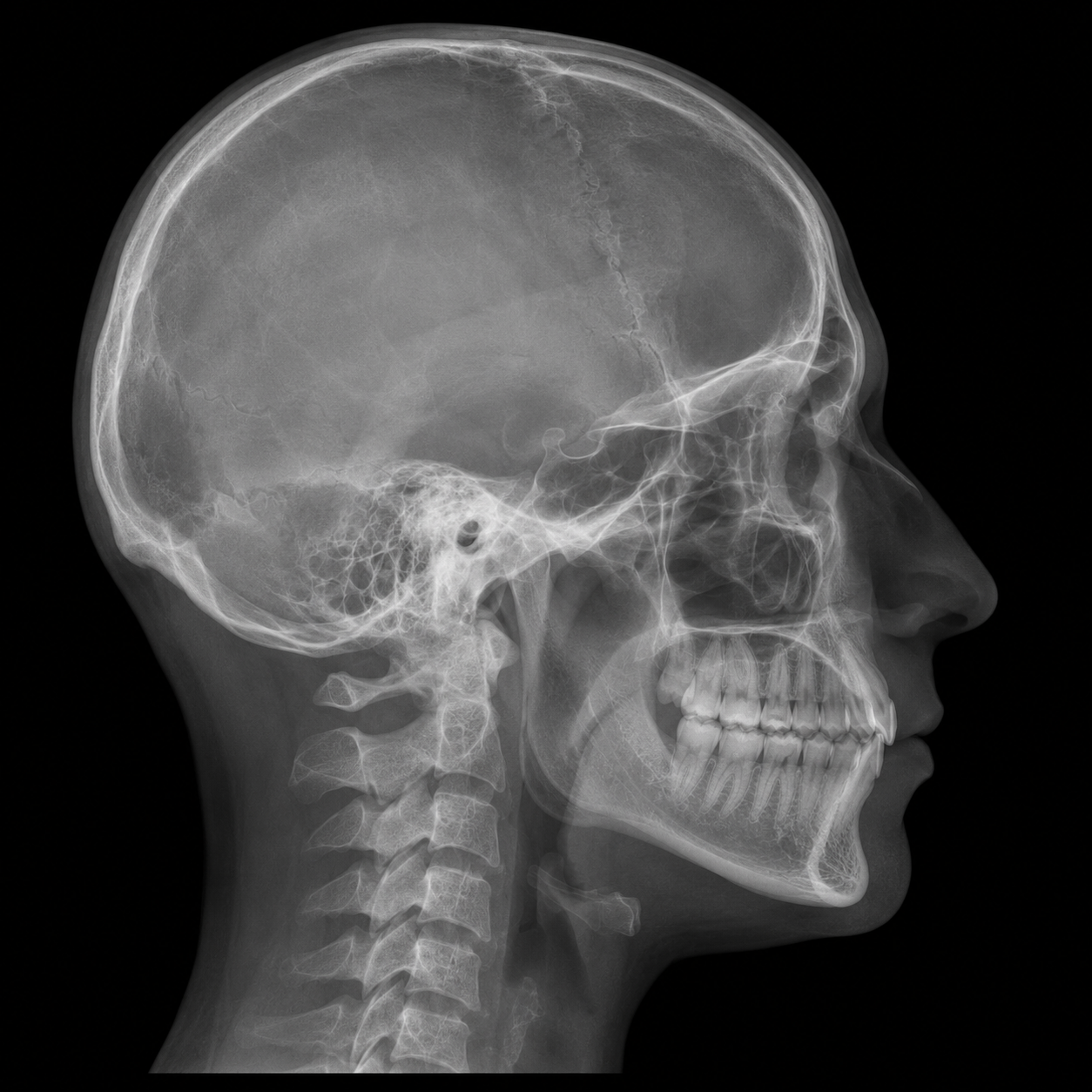
Sample coordinates only. Distance uses normalized image units, not calibrated millimeters. No clinical norms, interpretation, or diagnosis are generated.
Follow a sample case from registration to final documentation. Every review, verification, and treatment decision is made by a professional.
The Branch Doctor enters the patient’s information.
Built around clinical collaboration, with a clear responsibility for every action.
Review submitted cases, verify clinical documentation, inspect medical images, and monitor treatment workflows.
Register patients, create cases, upload files, and conduct clinical review before submitting to the Main Doctor.
Manage professional accounts, branches, platform configuration, and access settings.
Explore nine connected views of the proposed application. All records and review actions use fictional sample data.
The proposed platform’s security design connects access controls, file protection, and accountability.
Encrypted transport for account activity and clinical file transfers.
Protect account credentials using appropriate password hashing.
Give each professional the access needed for their role.
Record who accessed files and changed case documentation.
Restrict clinical files to authorized users and cases.
Security requirements shown as a design concept. This frontend prototype has no authentication, patient storage, or backend security implementation.
Choose a workspace around the way your team collaborates. Package details are illustrative; pricing is available by contact.
Patient records, case documentation, and doctor-controlled imaging tools.
Contact for PricingShared cases, clinical verification, and treatment progress across branches.
Contact for PricingA proposed workspace for larger clinical networks and their access requirements.
Contact for PricingA connected workflow starts with clear expectations.
Qualified dental doctors make every clinical decision. They inspect images, enter findings, determine treatment plans, and verify cases. The platform connects and documents their work.
The proposed workspace covers panoramic and cephalometric images, intraoral photographs, CBCT/DICOM volumes, supporting documents, and STL, OBJ, or PLY model previews. This prototype uses bundled sample images and synthetic geometry; it does not import patient files.
The Branch Doctor submits the case and clinical notes. The Main Doctor reviews the files and documentation, then verifies the case or requests revisions. There is no automatic clinical approval.
Yes. The concept includes manual annotations, FDI tooth selection, clinical notes, editable landmarks, and measurements. Try the panoramic and cephalometric demonstrations above.
Each case links a patient record with medical files, doctor notes, review status, and treatment history. The application previews show fictional records and simulated actions.
Doctors can document treatment stages, fabrication progress, clinical milestones, and before-and-after records. These updates are entered and reviewed by professionals.
The proposed controls include HTTPS/TLS, password hashing, role-based access, secure file access, and audit logs. They are interface concepts here, not implemented backend protections.
The timeline is a proposed onboarding and participation concept. An official certification scheme and eligibility requirements have not been established. The sample certificate is not an STR, specialist qualification, or dental license.
Connect your doctors, digital imaging, clinical reviews, and treatment documentation in one professional dental ecosystem.